How to Boost Minecraft FPS on a Low-End PC
By Gamerspluse Editorial Team · Updated
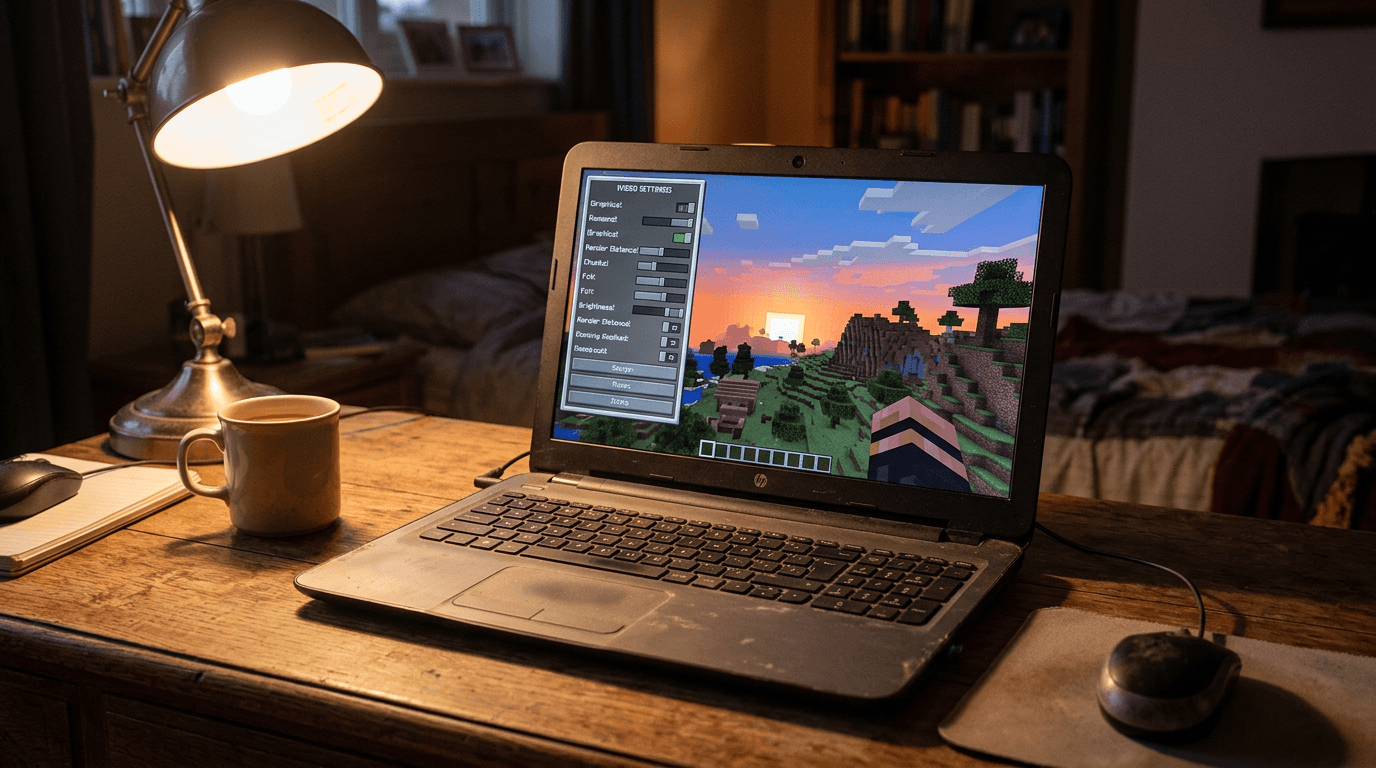
Minecraft looks simple, but Java Edition can struggle on older laptops and integrated graphics. The good news is that a few settings and one or two free mods can double your frame rate. Follow these steps in order and test after each one.
Java or Bedrock: which runs better?
Bedrock Edition (the version from the Microsoft Store) is generally smoother out of the box on weak hardware. Java Edition is more demanding but can overtake Bedrock once you install performance mods. If you own both through the PC bundle, try each one.
Best Minecraft video settings for FPS
| Setting | Recommended | Impact |
|---|---|---|
| Render Distance | 6 to 8 chunks | Very high |
| Simulation Distance | 5 to 6 chunks | High |
| Graphics | Fast | High |
| Smooth Lighting | Off | Medium |
| Clouds | Off | Medium |
| Particles | Minimal | Medium |
| Entity Shadows | Off | Low |
| Biome Blend | Off (1x1) | Low |
| VSync | Off | Varies |
| Max Framerate | Your monitor refresh rate | Stability |
Step-by-step FPS boost
Lower render distance first
Render distance has the biggest effect on performance. Drop it to 6 or 8 chunks and work up if you have headroom.
Install Sodium
Sodium is a free performance mod for the Fabric and NeoForge loaders that rewrites the rendering engine. On many machines it gives the single biggest FPS gain.
Add Lithium and FerriteCore
Lithium improves game logic performance and FerriteCore lowers memory use. Both pair well with Sodium.
Allocate the right amount of RAM
In the launcher, open Installations, edit your profile, open More Options, and change -Xmx2G to -Xmx4G. Do not give Minecraft more than half your system RAM.
Use the dedicated GPU on laptops
In Windows Settings, go to System, Display, Graphics, add javaw.exe, and set it to High performance. Keep the laptop plugged in.
Frequently asked questions
Is OptiFine or Sodium better for FPS?
On current versions of Minecraft, Sodium usually gives higher FPS than OptiFine. OptiFine is still popular for shaders and zoom, but Iris with Sodium now covers shaders too.
How much RAM should Minecraft have?
2 to 4GB is enough for vanilla Minecraft. Large modpacks may need 6 to 8GB. Allocating too much can cause stutter.
Why does Minecraft lag even with high FPS?
Lag with high FPS is often server or network lag, not your PC. Lowering simulation distance helps in single-player, but on servers it depends on the server and your connection.
Part of our All guides coverage.